
Visitors open links on phones, tablets, and desktops with different screen sizes and input methods. A destination that requires horizontal scrolling or tiny controls adds friction before the visitor can complete the intended action.
Responsive design is a baseline
Flexible layouts, readable type, appropriately sized controls, and media that stays within its container help one document work across a range of screens. Frameworks such as Bootstrap and Tailwind CSS can assist, but testing the actual interface remains essential.
Test the complete link journey
Open campaign and QR destinations on representative devices. Check loading, consent prompts, navigation, forms, validation, and confirmation states—not only the landing-page screenshot.
Use device analytics as a priority signal
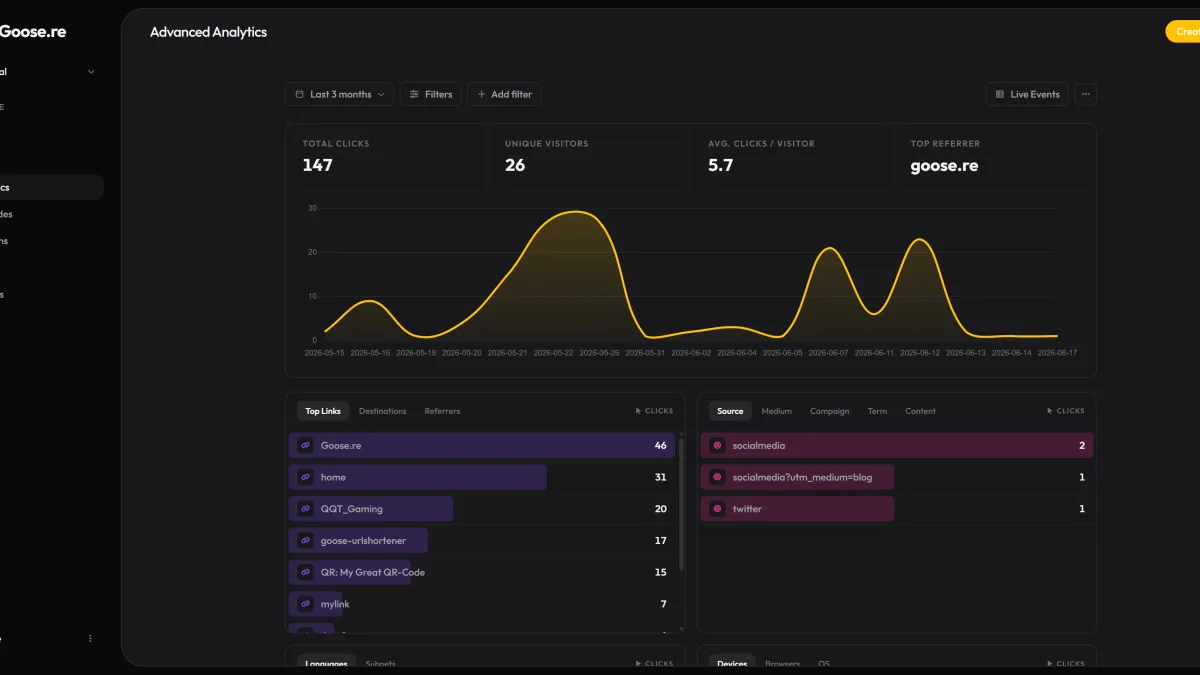
Goose.re derives broad device classes from user-agent strings. A sustained pattern can help decide where to test first, but device detection is imperfect and a click does not measure a completed form or purchase.
A practical review
- Start with narrow screens and enhance for additional space.
- Keep primary actions visible and keyboard accessible.
- Use real content rather than ideal placeholder lengths.
- Test slow networks and image loading.
- Confirm analytics against destination-side conversion data.
Responsive work is not a one-time guarantee. Revisit important journeys when content, browsers, devices, or campaign audiences change.