Arrange flexible content
Combine links with social, spotlight, text, video, gallery, countdown, and FAQ widgets.
Bring your links, social profiles, featured content, and videos together on one Bio Page, then make it yours with a theme that fits your style.
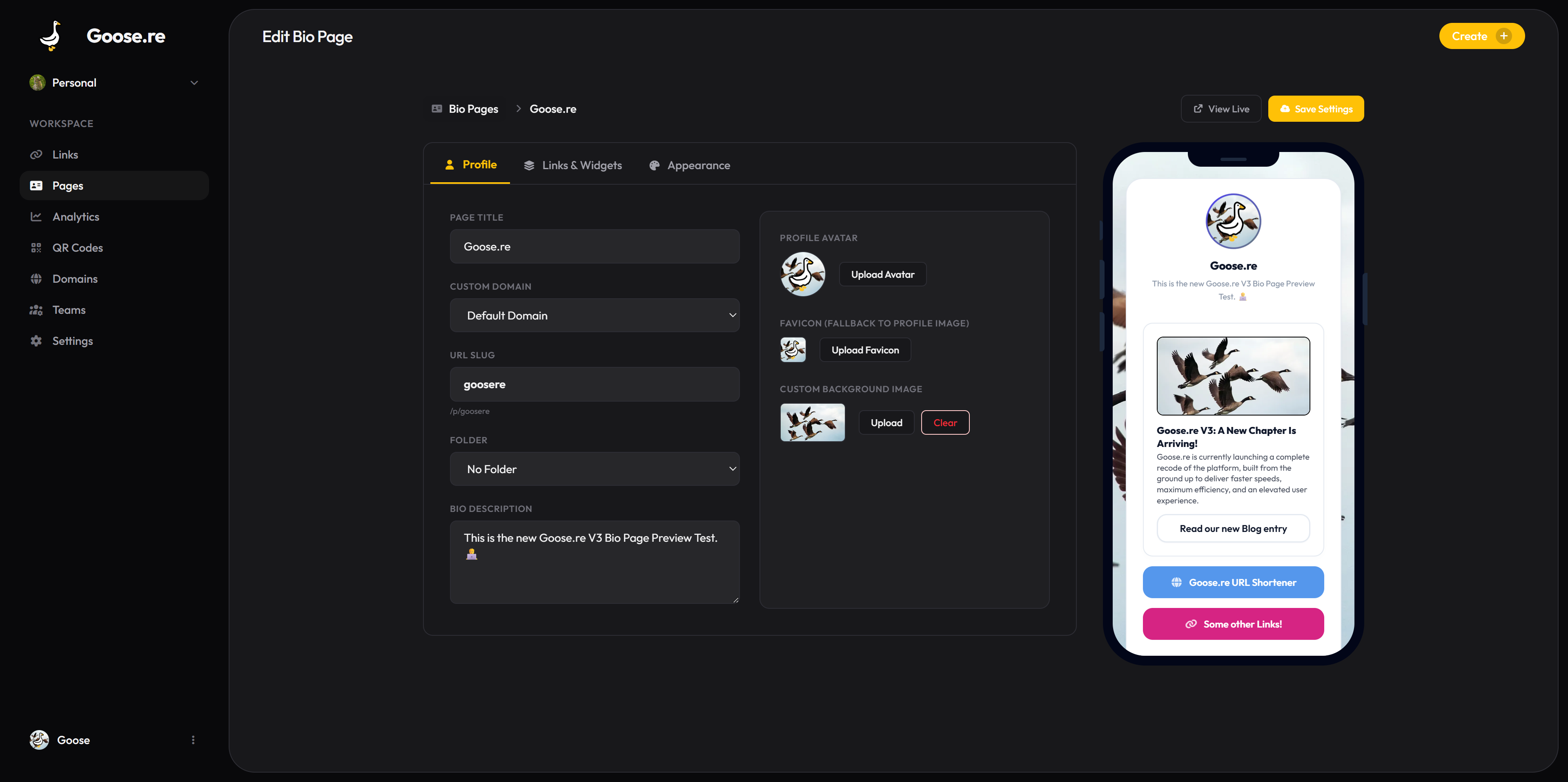
Goose Pages
Combine links with social, spotlight, text, video, gallery, countdown, and FAQ widgets.
Choose from curated themes and adjust colors, imagery, avatar, and page details.
Review link clicks to understand which destinations draw attention.
A closer look at the product capabilities behind the workflow.
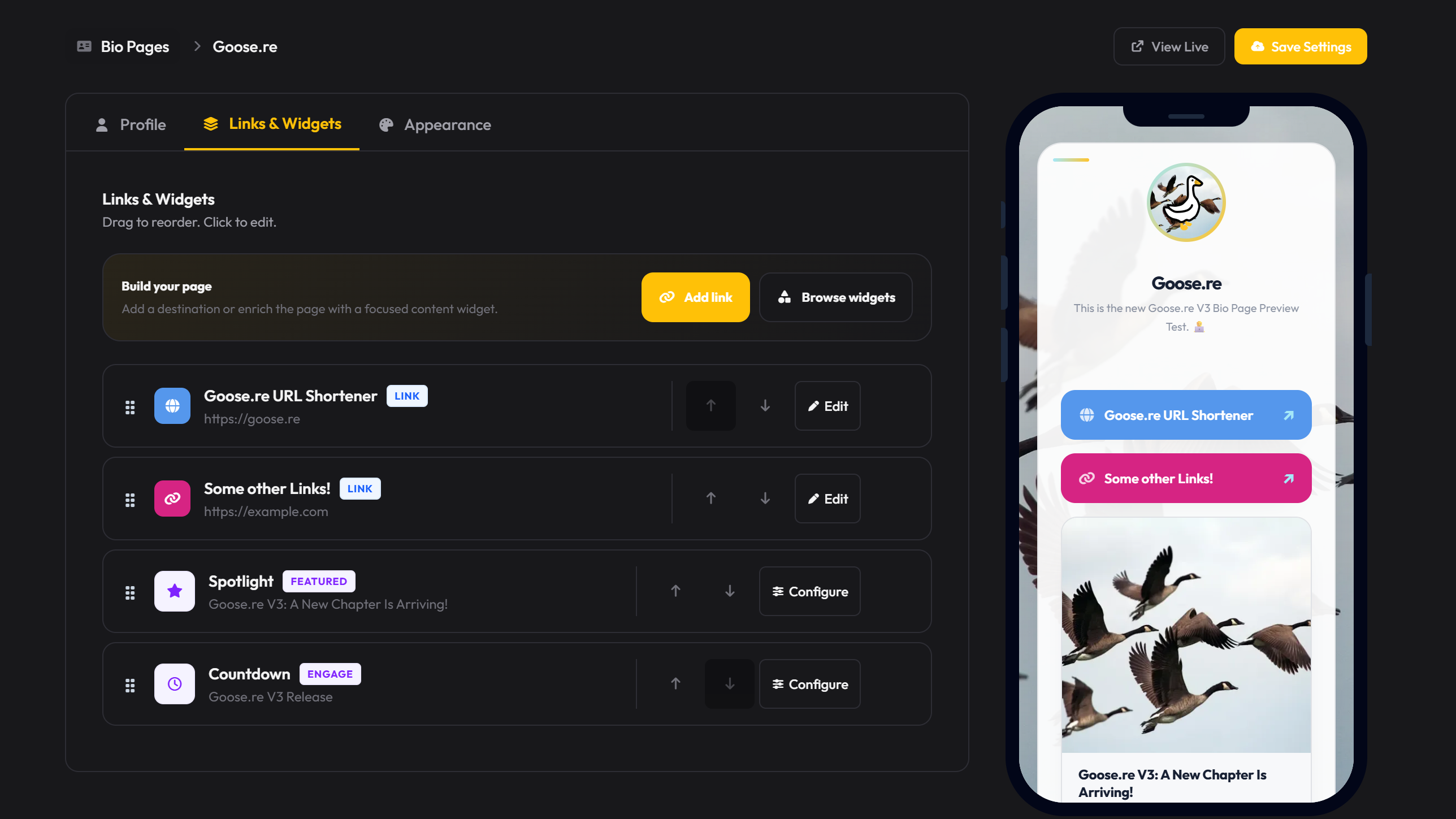
Use focused blocks to introduce yourself, highlight a priority, connect social profiles, or place a video alongside your core links.

Curated themes establish the visual direction while custom accents, profile imagery, background imagery, and favicon settings carry your identity through.
More from Goose.re
Everything you need to know about Goose.re.
Create a Bio Page, choose a theme, and publish an address that is easy to share everywhere.