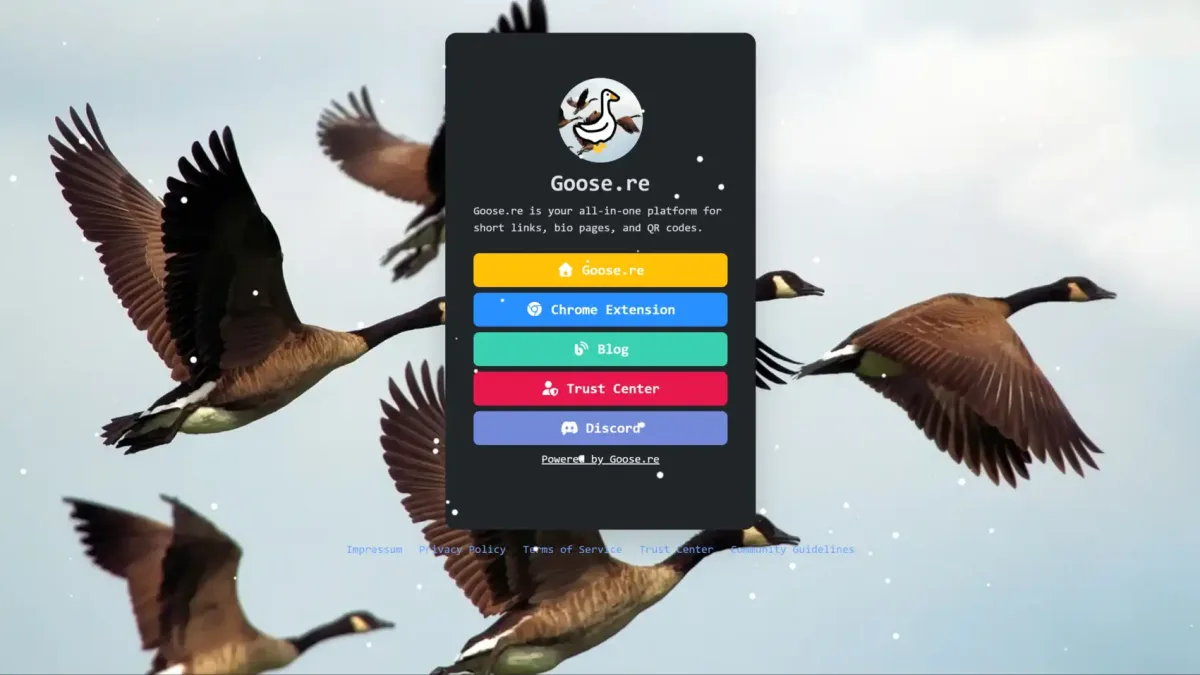
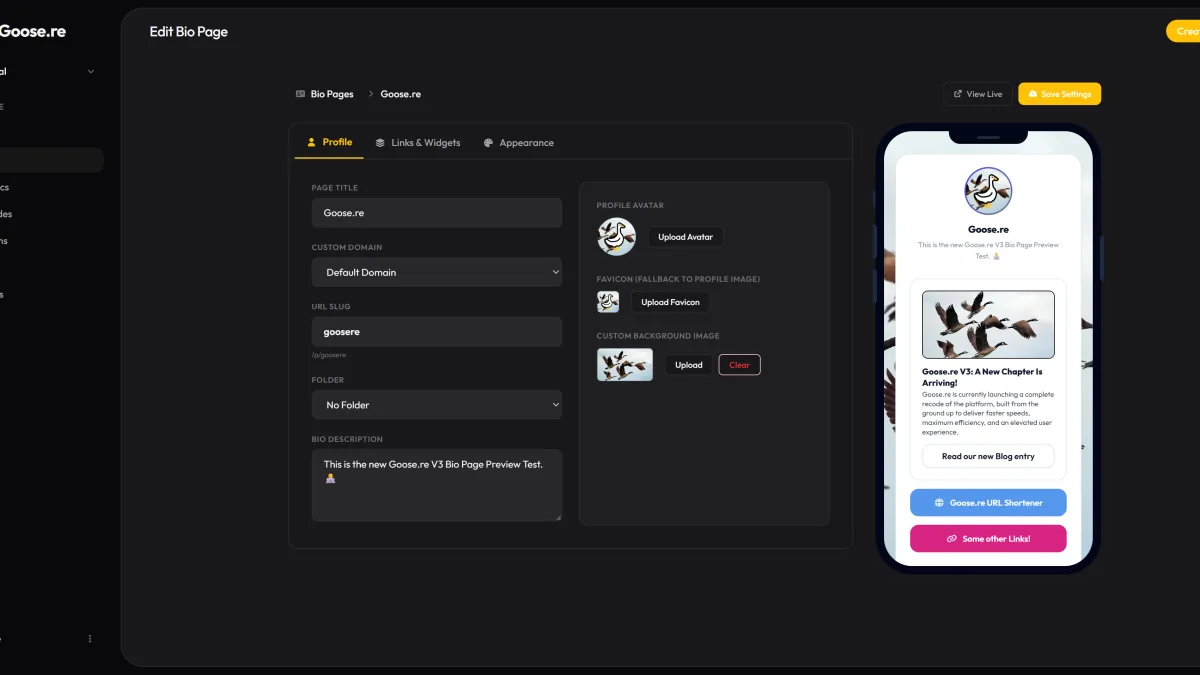
A useful bio page gives visitors a clear next step. It does not need exaggerated promises or dozens of destinations; it needs a purpose, a sensible order, and regular review.
1. Start with one primary goal
Decide whether the page should drive a signup, a sale, a booking, or another action. Give that action the strongest position and label.
2. Use specific link labels
Describe the destination with action-oriented text such as “Read the guide” or “Book a call.” Avoid generic labels that make visitors guess.
3. Put the most useful link first
Order links by visitor value rather than by the date they were added. Keep secondary destinations below the main action.
4. Remove stale choices
Archive expired campaigns and broken destinations. A shorter, current list is easier to scan and maintain.
5. Match the page to your brand
Use a consistent title, description, imagery, colors, and link style. The page should feel like part of the profile that sent the visitor there.
6. Design for small screens
Preview the page on a phone. Labels should remain readable and important actions should be easy to tap without zooming.
7. Give campaigns distinct URLs
Use separate short links or UTM-tagged destinations for different placements. This makes traffic sources easier to compare without changing the bio page itself.
8. Review click patterns
Goose.re reports clicks, devices, browsers, operating systems, languages, referrers, and UTM values when available. Use patterns as directional evidence rather than proof of a conversion.
9. Test one change at a time
Change a label, order, or destination and allow enough traffic before comparing results. Multiple simultaneous changes make the outcome harder to interpret.
10. Recheck the complete journey
Open every link and complete the intended action yourself. The destination page matters as much as the bio page that leads to it.
There is no universal number of links or guaranteed uplift. The best structure is the smallest one that serves the audience and the page goal.